Home & local services
Jobs booked, crews scheduled, invoices paid — one screen.
Quotes on WhatsApp, jobs in a calendar, invoices in another app, follow-ups in your head. A custom job and booking system connects the day-to-day so the business runs without you chasing it.
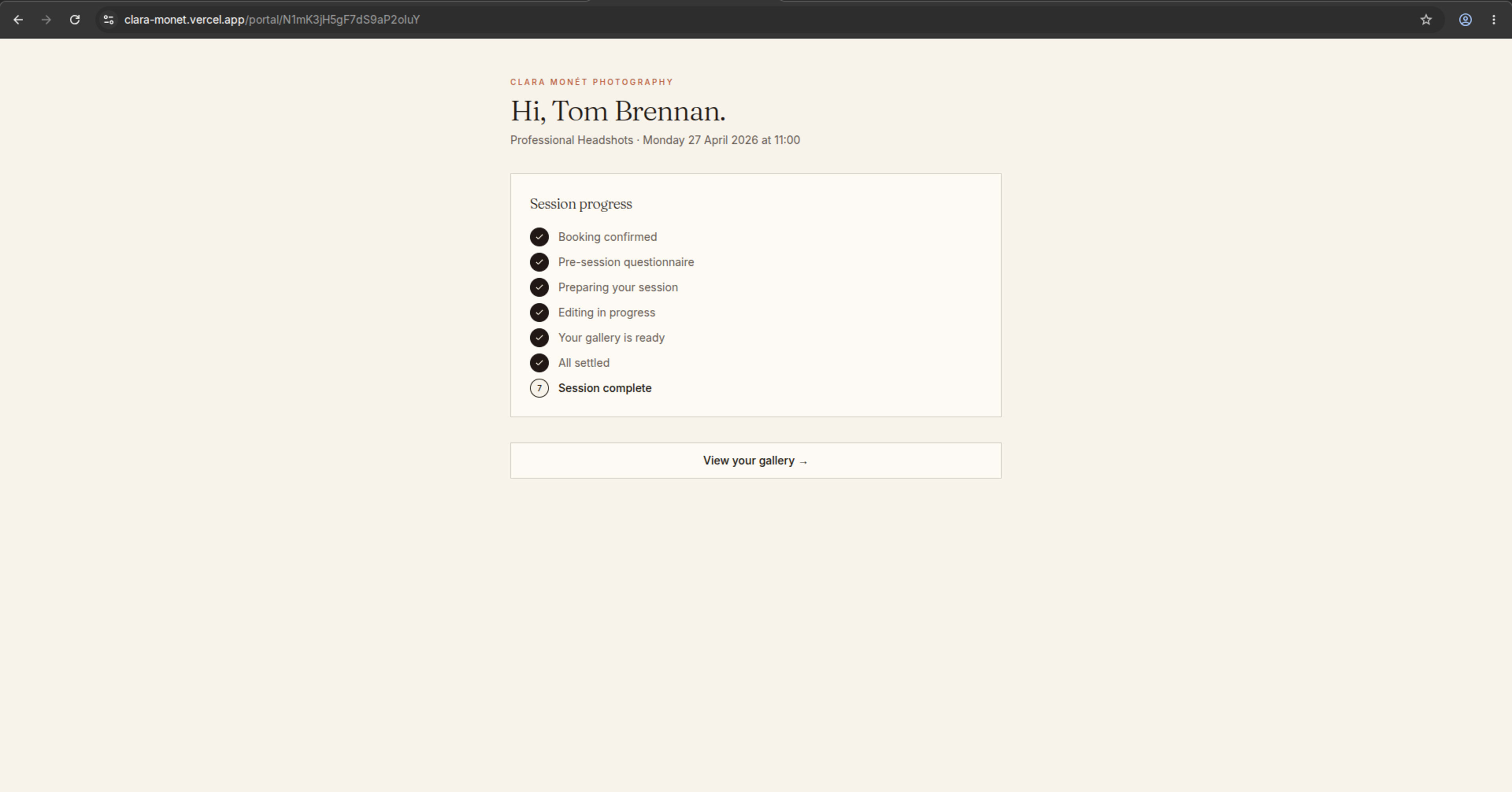
H.E.M Studios Booking System
A custom booking system for a beauty & photography studio with service selection, deposits, email reminders & owner admin into one connected flow.
Sound familiar?
- Booking still happens by phone call and WhatsApp back-and-forth
- A no-show costs the fuel and the drive, not just the slot
- Quotes, job details and customer addresses live in chat threads
- Invoices go out late and get chased by hand
- Recurring jobs depend on the customer remembering to rebook
- The schedule lives in one person's head, and the team asks that person everything
The tool gap
Generic field-service tools don't know your patch.
Tools like Jobber and Housecall Pro cover the standard flow well, at a per-user price that grows with your team. For some businesses that trade-off makes sense.
The gap appears when your operation has its own shape: service areas with different pricing, jobs that need deposits, crews with different skills, or recurring schedules your customers never have to think about.
A system built for those exact rules — online booking, automated reminders, invoicing and an owner view — costs a build once, not a seat fee forever, and it works the way your week actually runs.
How it works
Review the messy flow
Walk me through where bookings, payments, client details and follow-ups live now.
Map the missing layer
I map what to keep, remove, connect or custom build before a line of work starts.
Launch with support
Your system goes live with a clear walkthrough and support that matches the build.
Questions from home & local services owners
Can clients book specific time slots or service types?
Yes. The system supports custom booking rules — specific time windows, service categories, staff assignment, and location-based availability.
How does it handle recurring appointments?
Recurring bookings, automated reminders, and balance tracking are built in — so you stop chasing clients for repeat visits.
What if I use multiple scheduling tools right now?
The goal is to keep what works and connect the gaps. One calm admin view replaces the scattered mess.
At a glance
Ready to get the schedule out of your head?
Tell me how jobs get booked and paid today. You'll get a reply within 24 hours with what to keep, connect, or build.
Get a free workflow review